How signing in works
From registering for the event to your own page in five steps. Signing in takes you to GitHub for a moment: these are the screens you will see.
Register for the event on ocgroups.dev
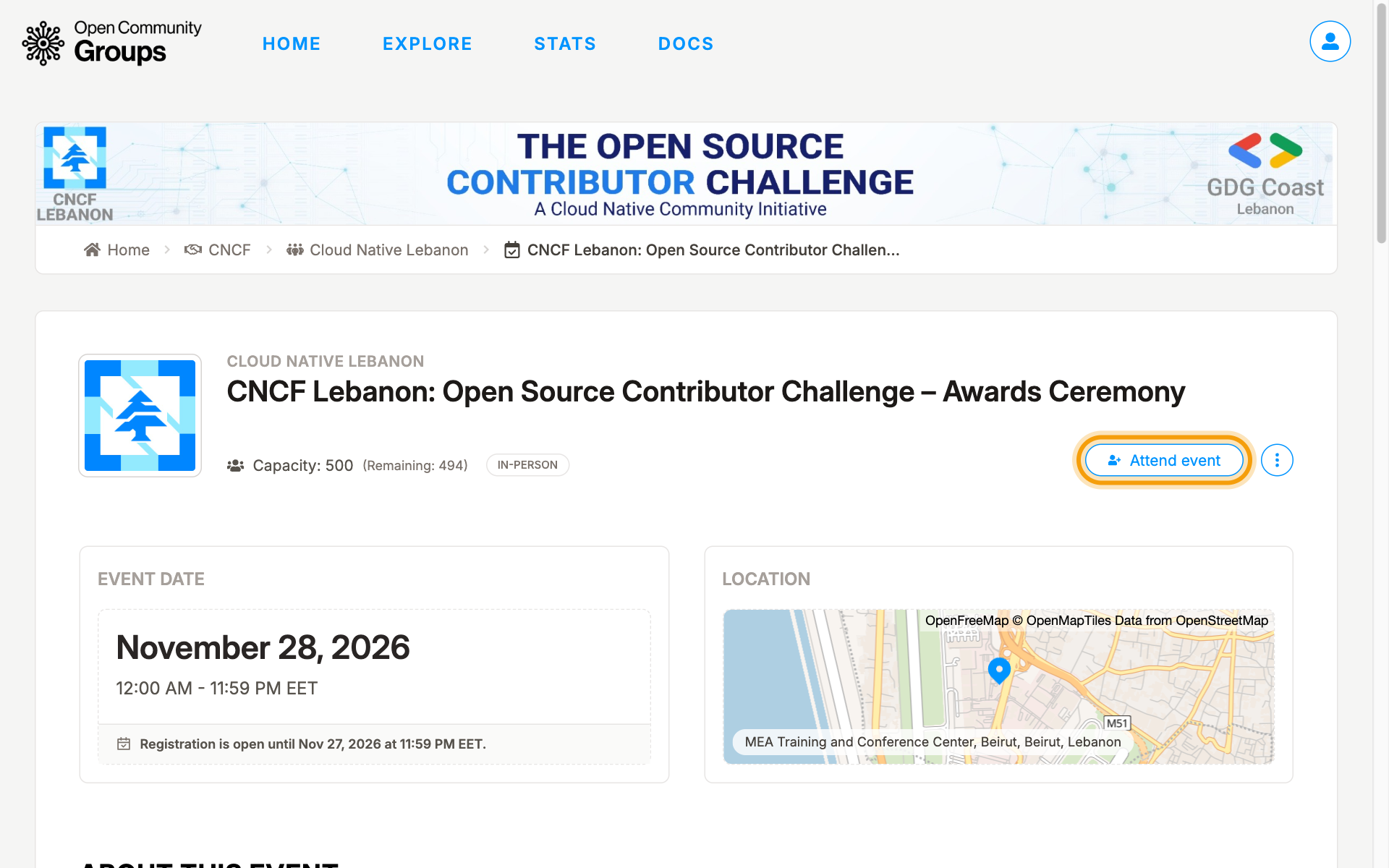
Open the event page on ocgroups.dev and press Attend event. Only people who register and attend take part in the challenge.
Press Continue with GitHub
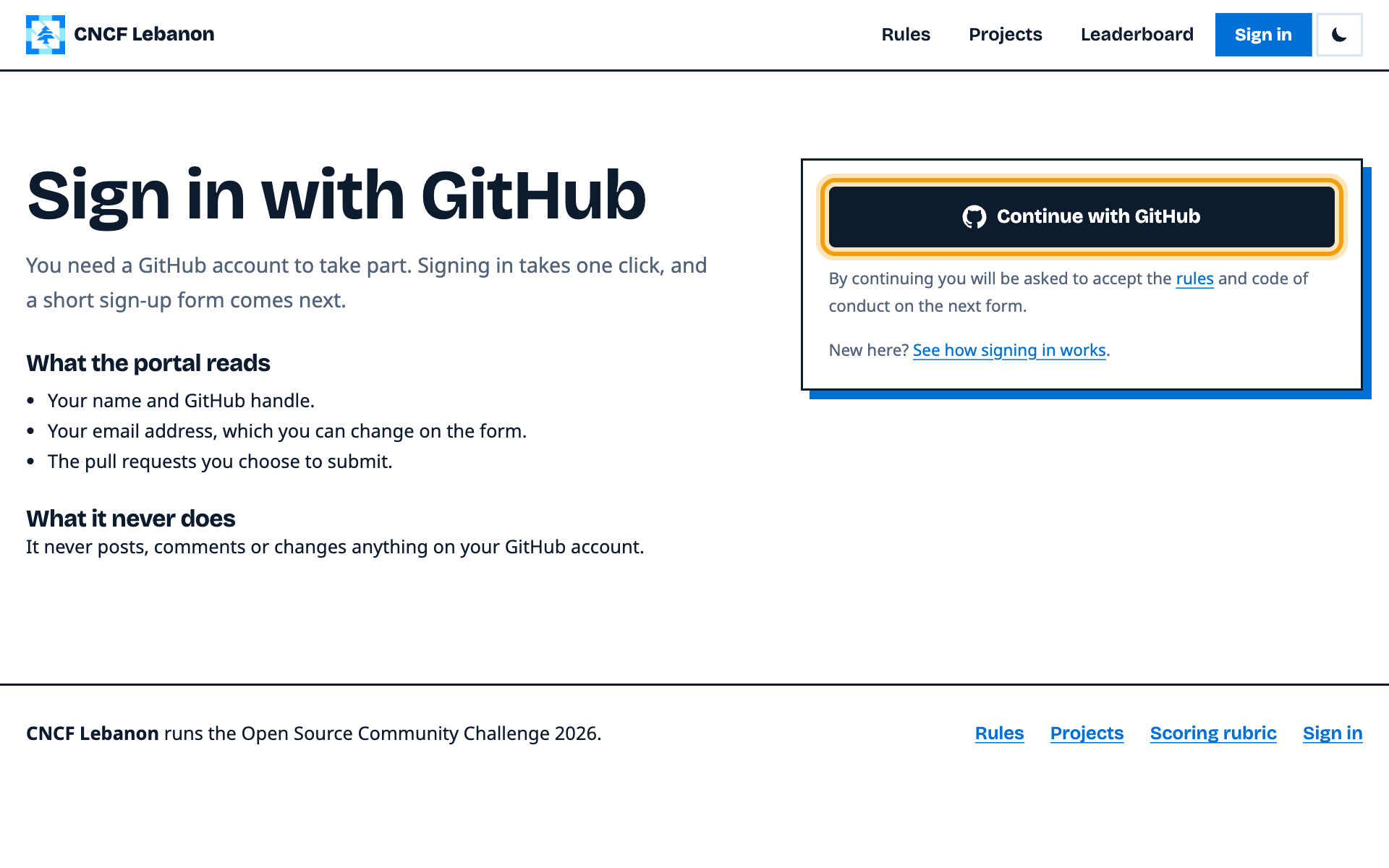
On the portal's sign-in page, press Continue with GitHub. You need a GitHub account; making one is free.
Authorize the portal on GitHub
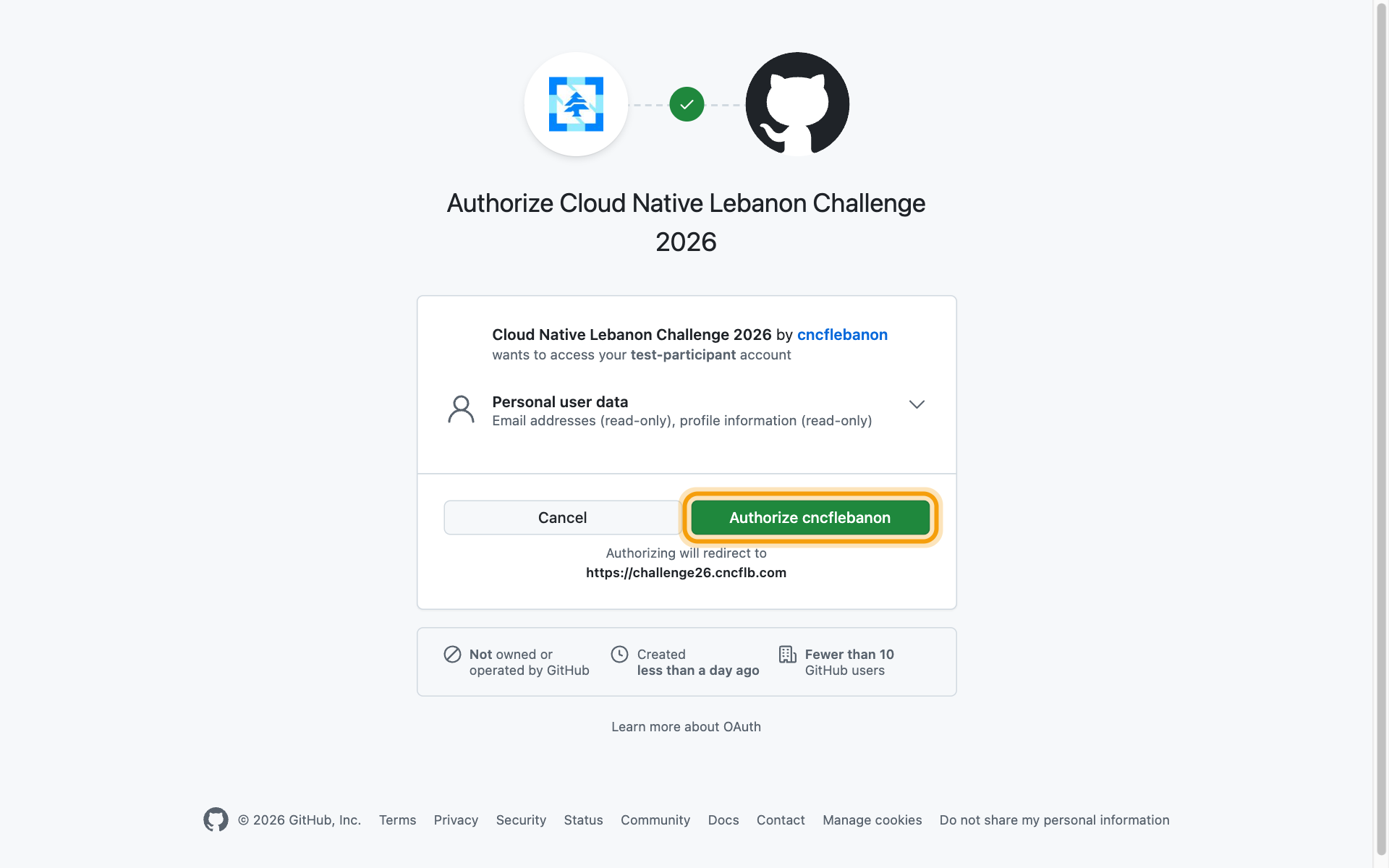
GitHub asks if Cloud Native Lebanon Challenge 2026 may read your profile and email address. Press Authorize cncflebanon. The access is read-only: the portal never posts or changes anything on your account.
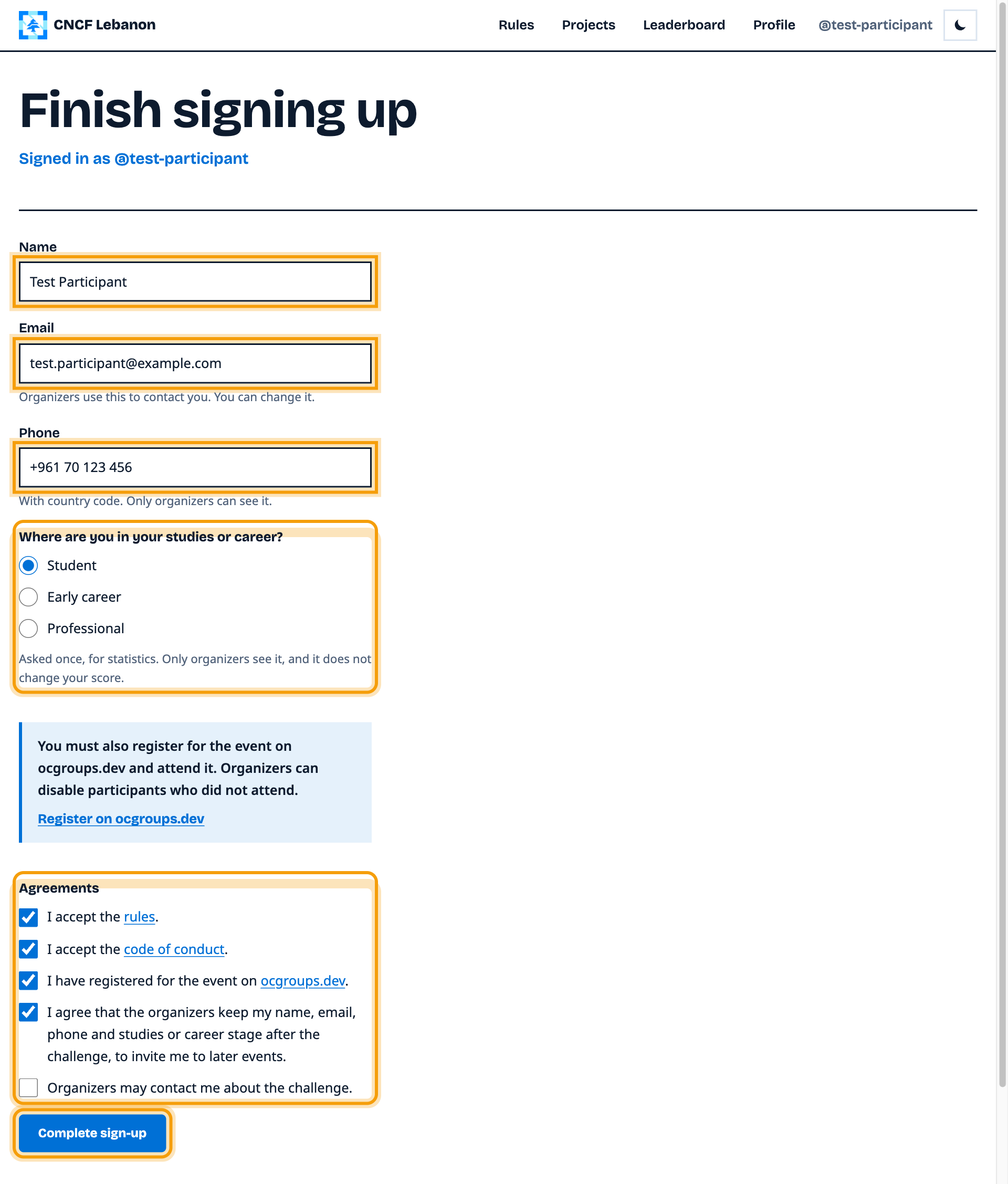
Finish the sign-up form
Check your name and email, add your phone number with its country code, choose your studies or career stage, tick the boxes and press Complete sign-up.
Submit your pull requests
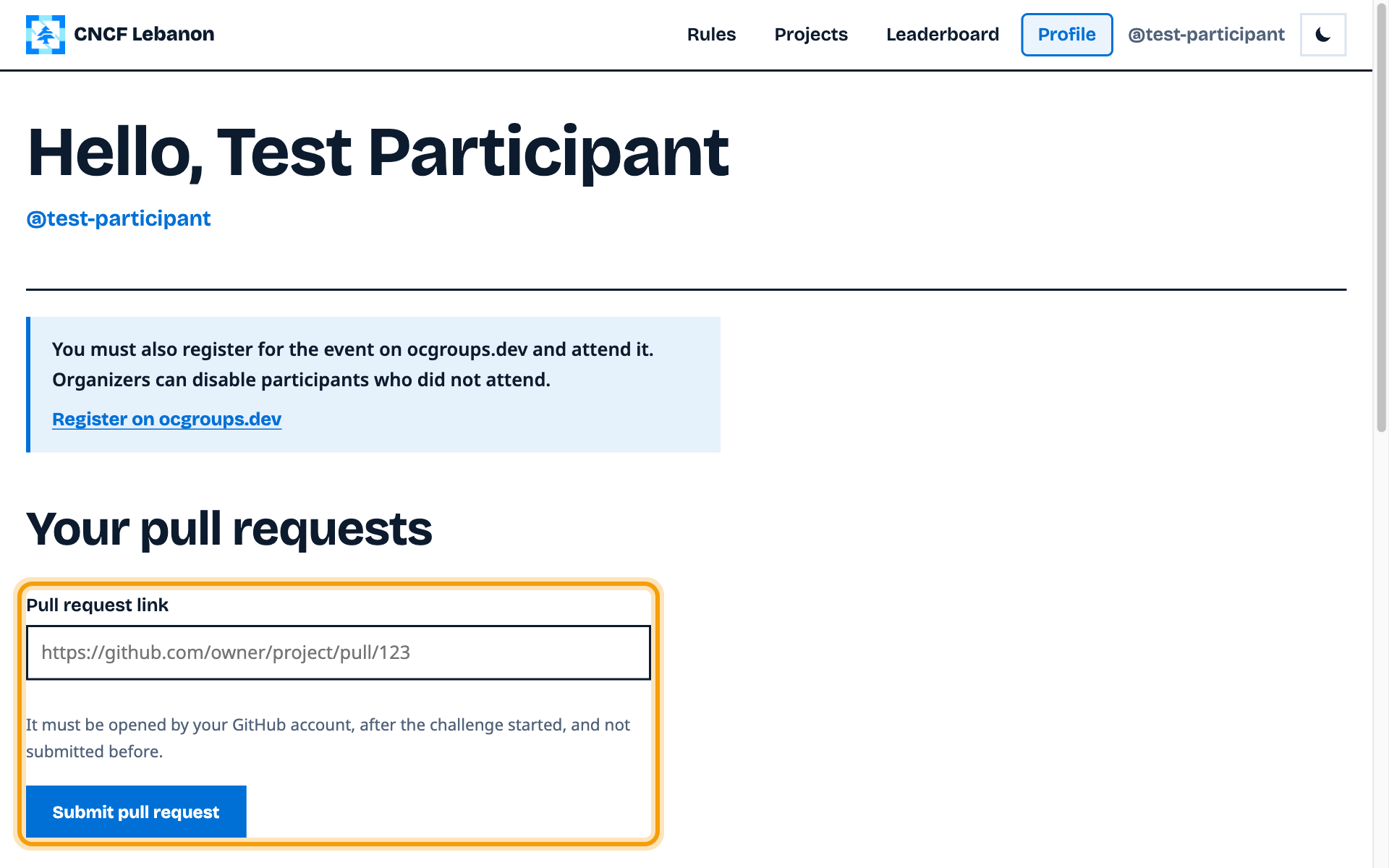
You land on your own page. Once the challenge starts, paste the link to each pull request you open here, and your score shows below it.